Sign in
The team signs in with a single shared password — no accounts, no personal data, no registration.


We develop digital solutions built around how your company actually operates — based in Podgorica since 2022.

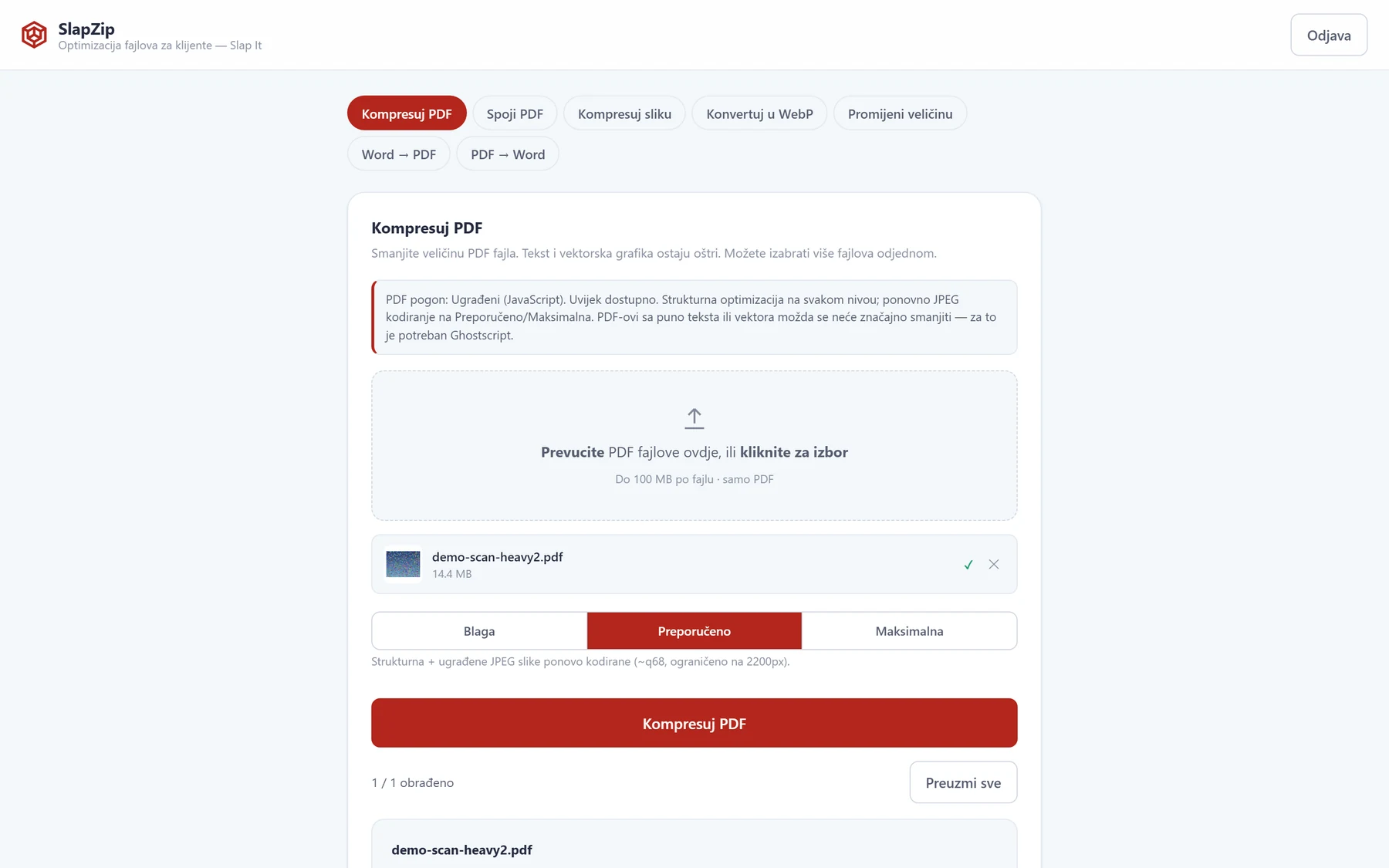
The SLAP IT team receives, prepares, and sends client files every day — photos for websites, PDF proposals and contracts, Word documents. Large, unoptimized files slow down websites and communication, and converting formats otherwise often means uploading files to random free online services — where no one at the company has any control over where that data actually ends up. SlapZip was built as an answer to that need: one internal, password-protected tool covering the most common file operations, without ever leaving SLAP IT's own infrastructure.
 01
01The team signs in with a single shared password — no accounts, no personal data, no registration.

 02
02One file, or several at once, gets dropped into the tool; a level or options is chosen, and processing runs through a server-side queue.
 03
03The result and the size savings are shown immediately; files are deleted as soon as they're downloaded, and after 10 minutes at the latest.
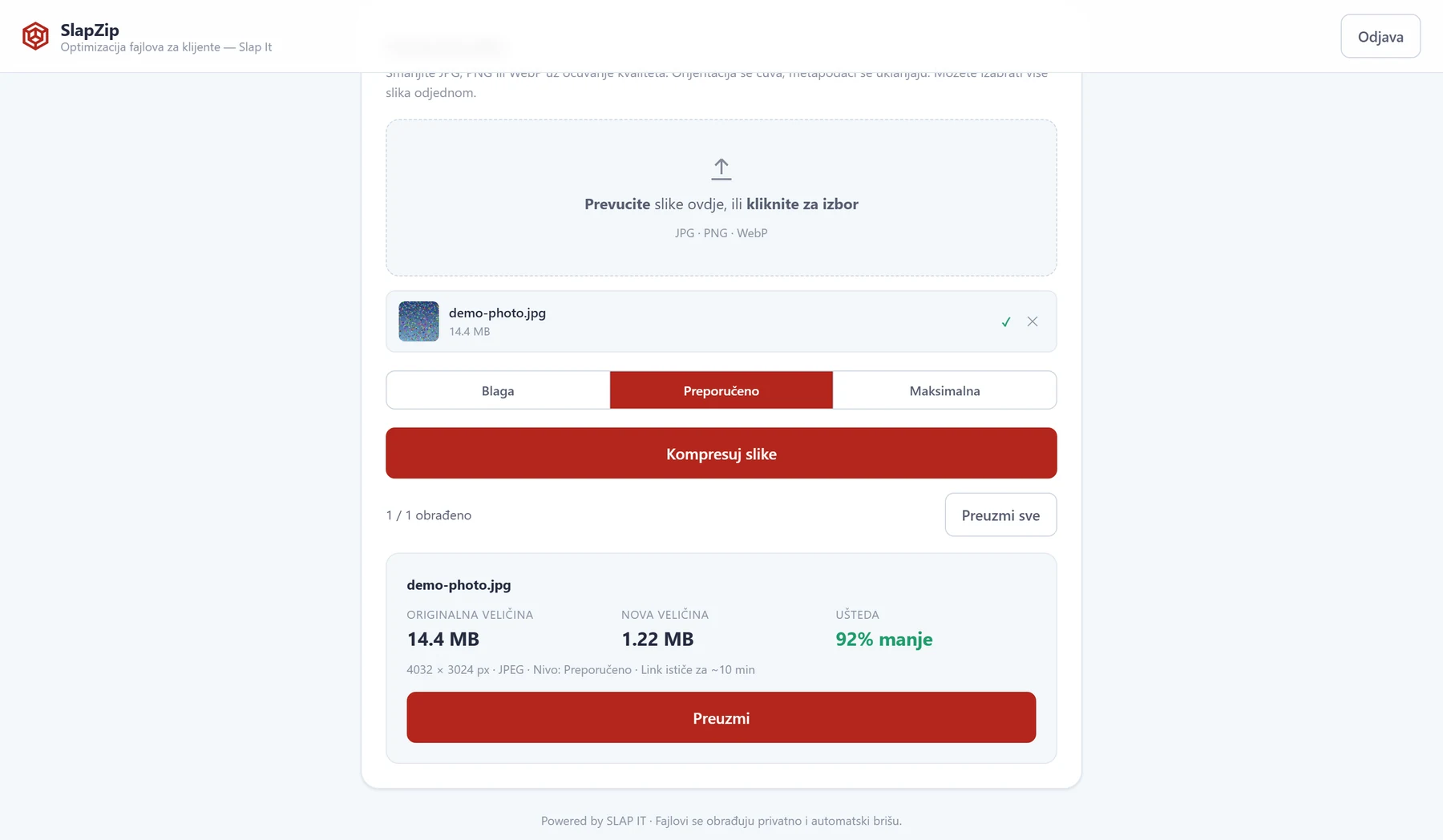
JPG, PNG and WebP with three compression levels — orientation is preserved, metadata is stripped.
JPG or PNG into the modern WebP format, with three quality levels.
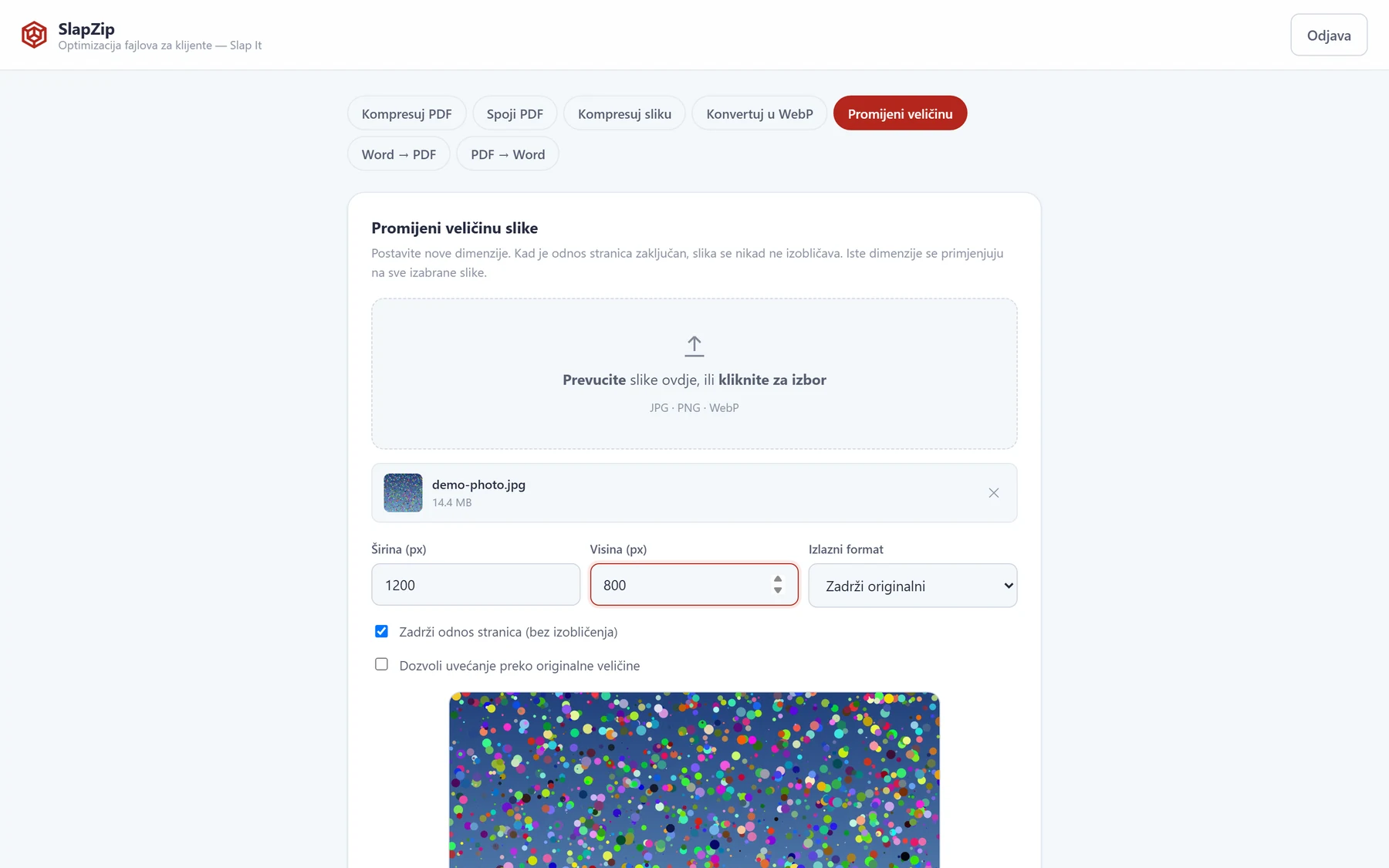
New dimensions with an optional manual crop (pan & zoom) — the aspect ratio is never distorted.
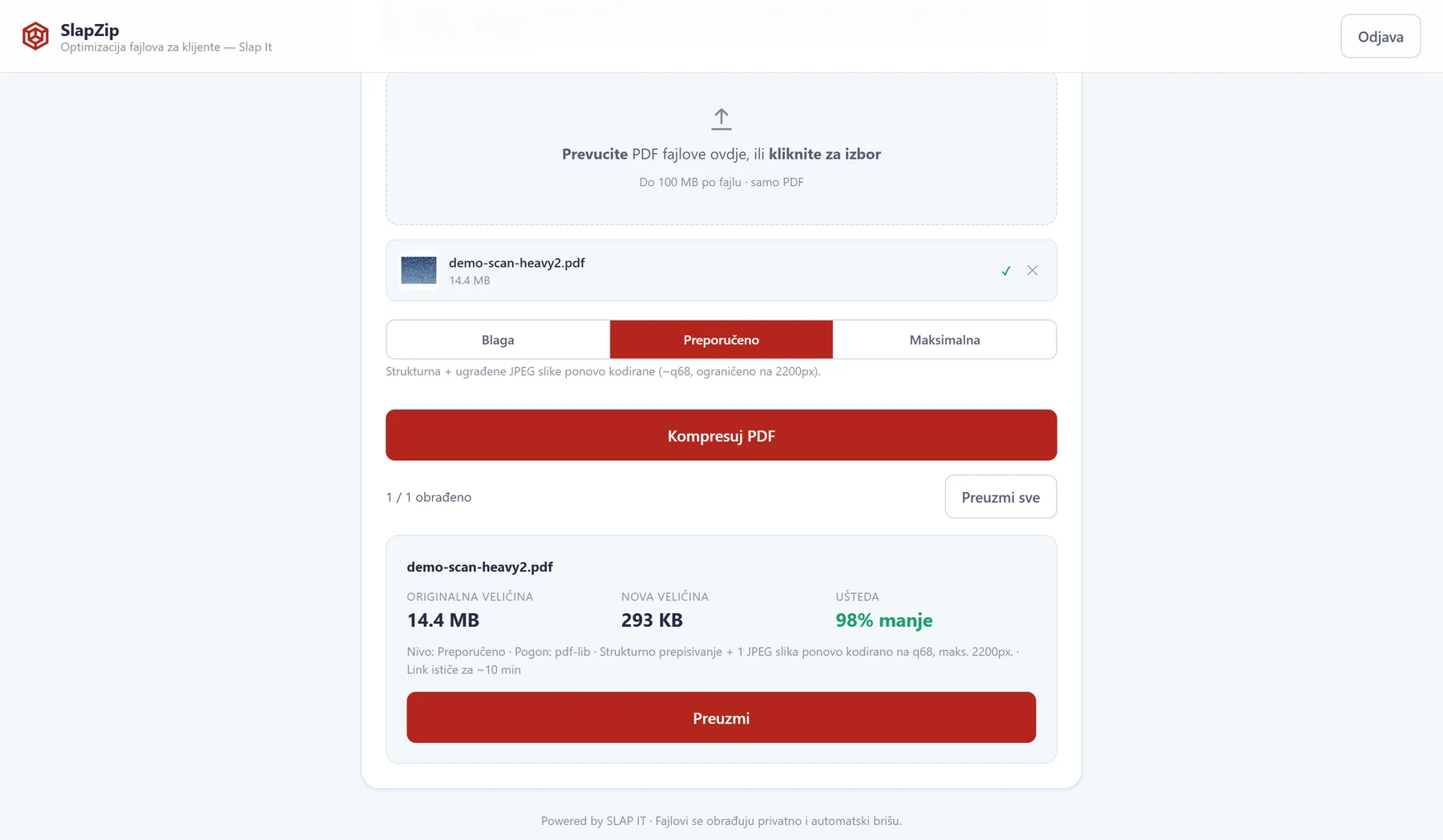
Structural rewriting of the document plus re-encoding of embedded images, across three levels.
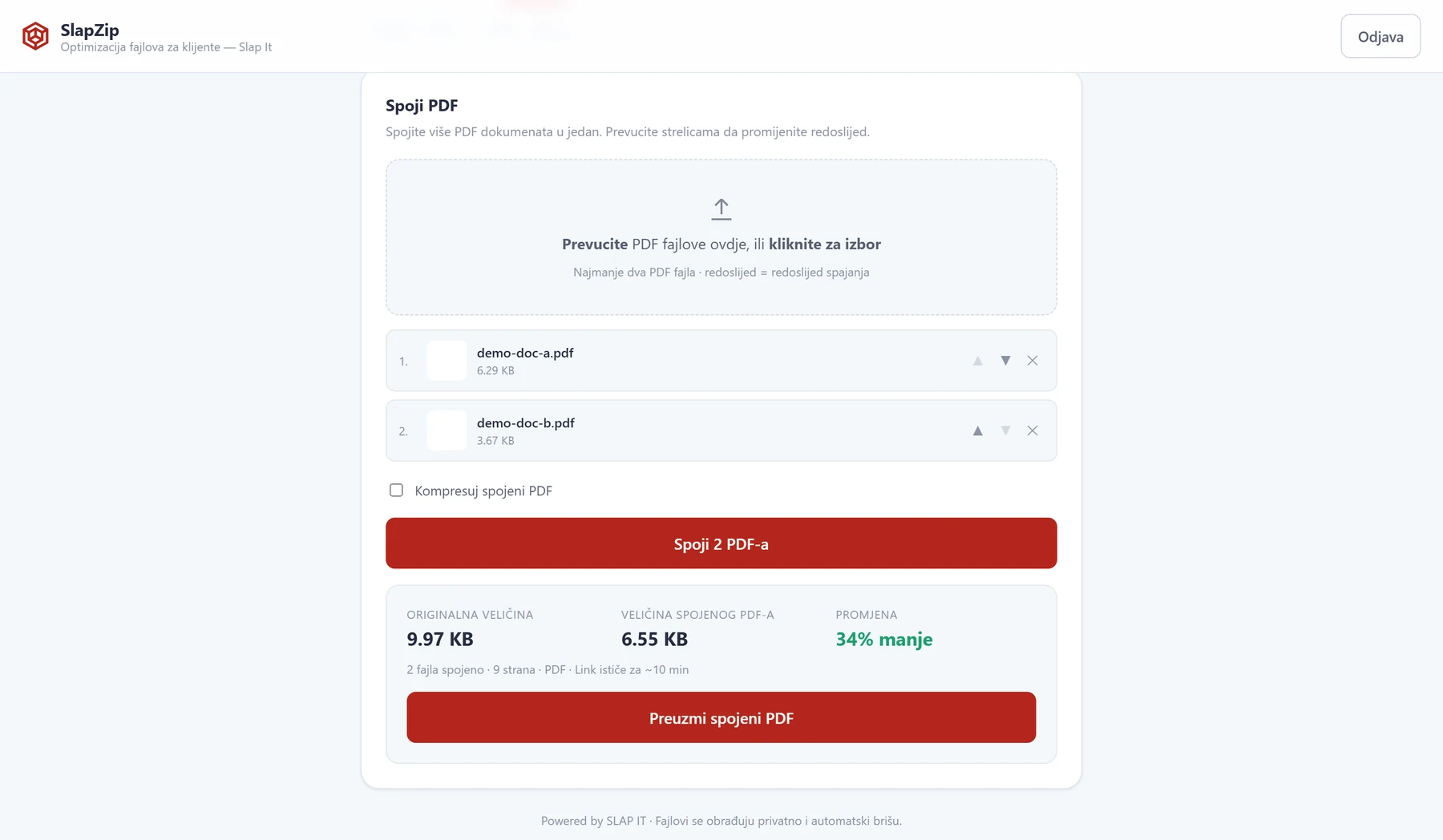
Several PDF files into one, with manual reordering and an optional compression pass on the result.
Preserves text, styling, lists, images and basic tables from the original document.
Extracts editable text from text-based PDF documents into a real Word file.
Every tool accepts multiple files at once, with an individual result and download for each.
The user immediately sees the original and new file size, the percentage saved, and the compression level applied — no guessing whether the result is good.
For PDFs that are mostly images (scans, photo reports), the engine detects embedded JPEG images and re-encodes them at a capped resolution — with the number of images processed shown clearly in the result.
Files are dropped into the tool and reordered with arrows before merging — with the option to compress the finished document right away.
When a new width and height are set for exactly one image, the tool offers a pan & zoom preview — the user drags and scrolls to choose exactly which part of the image stays in frame.
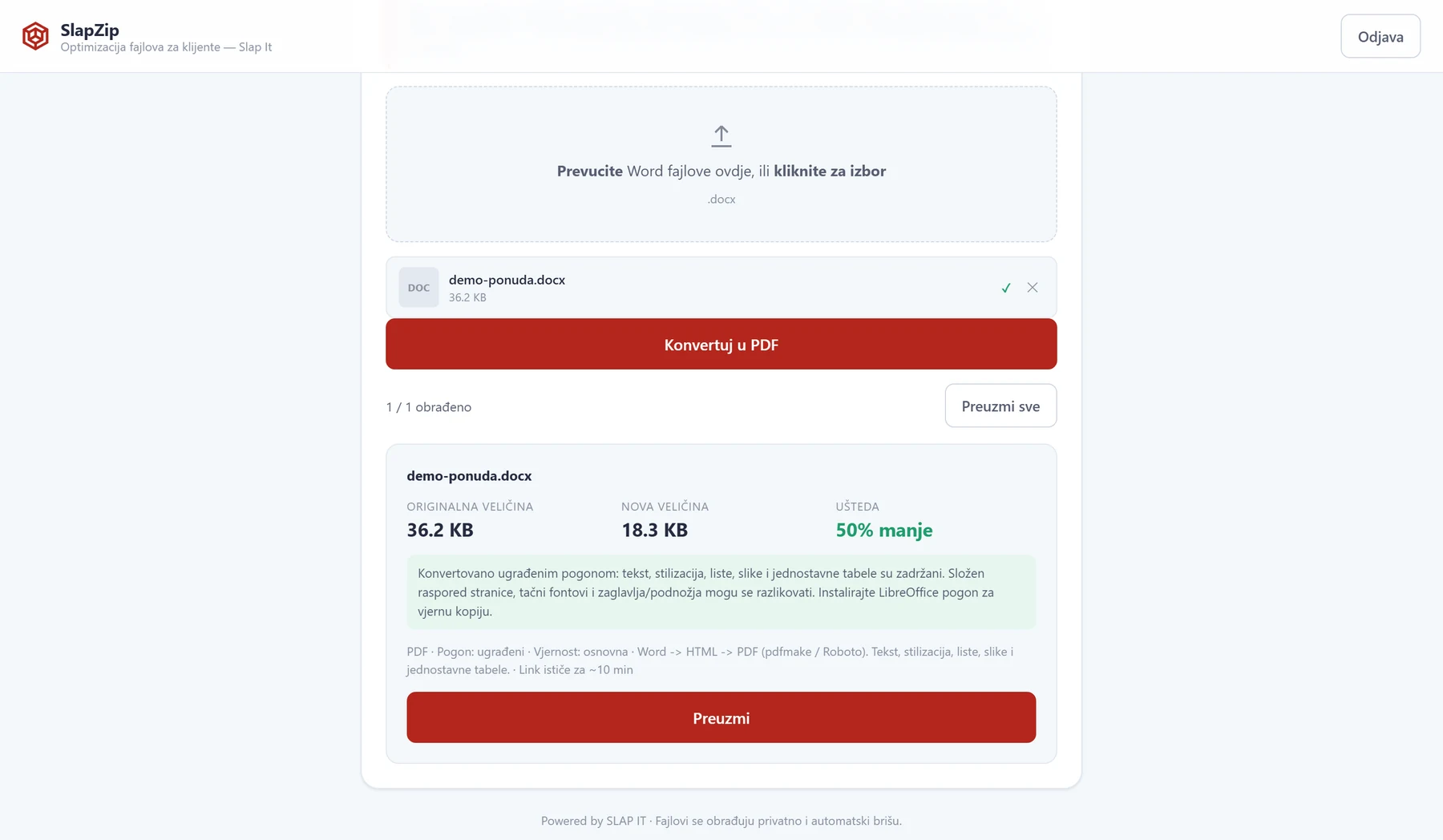
Word → PDF — text, styling, lists, images and tables are preserved
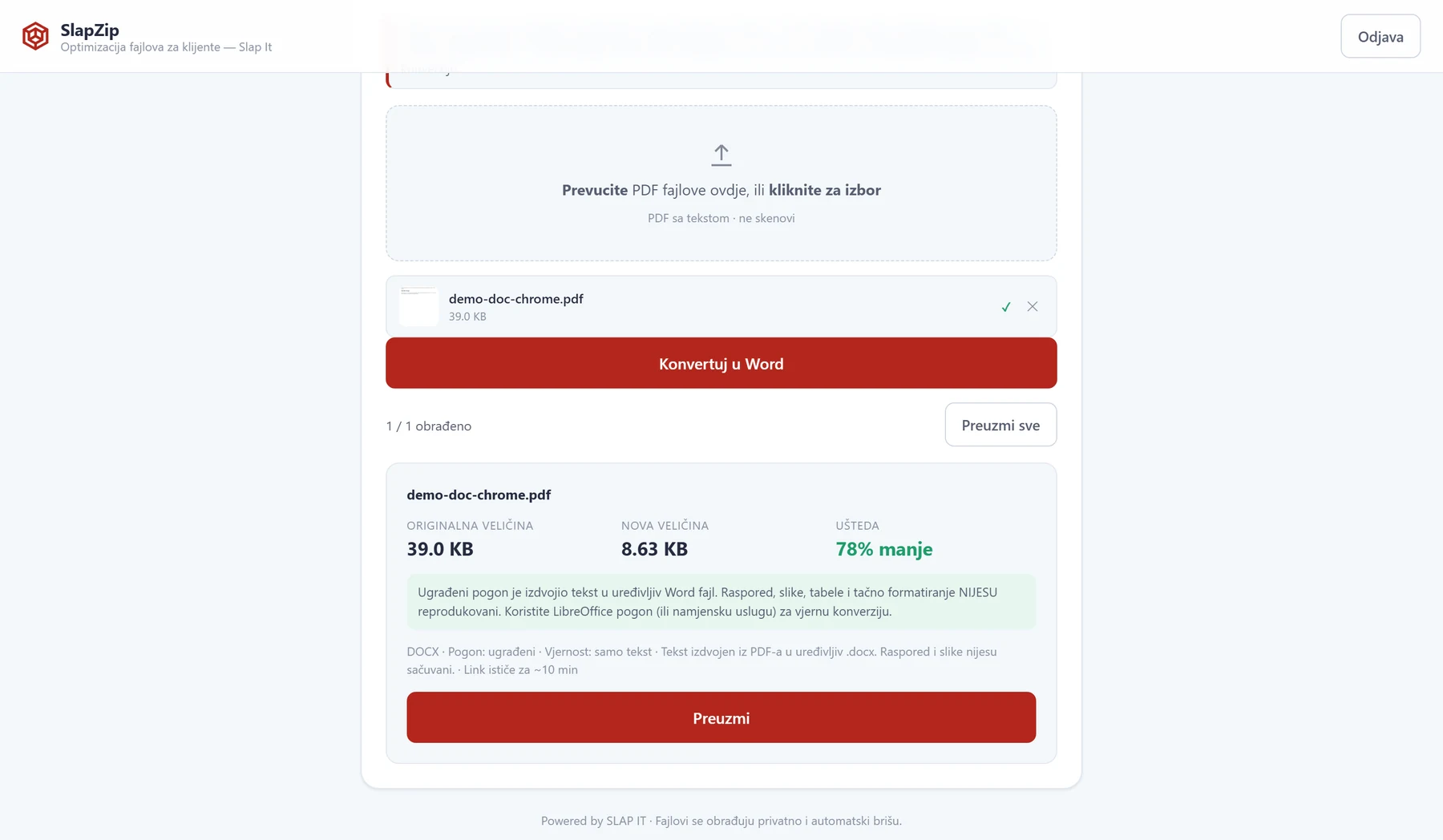
PDF → Word — text extracted into an editable .docx file
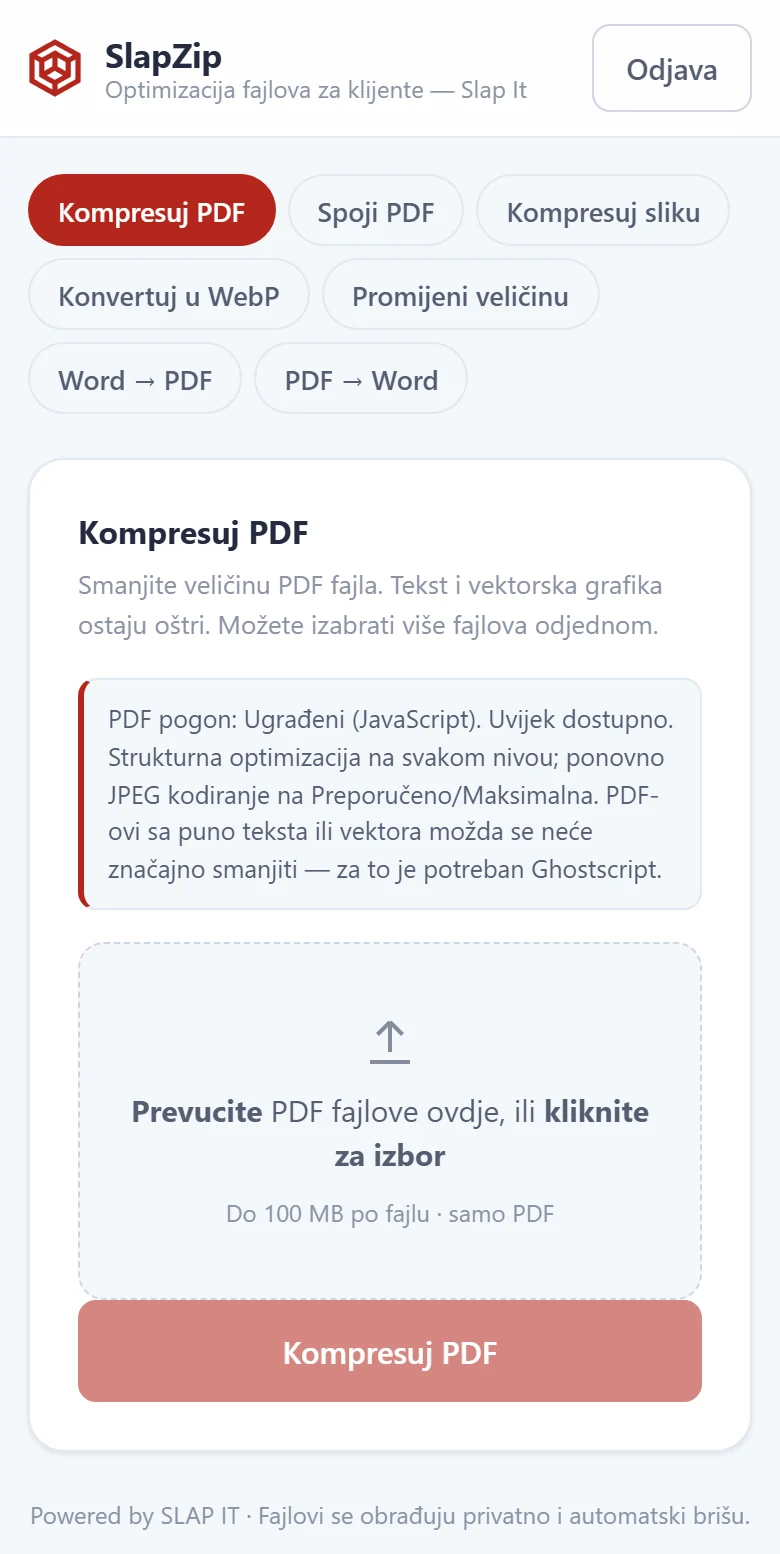
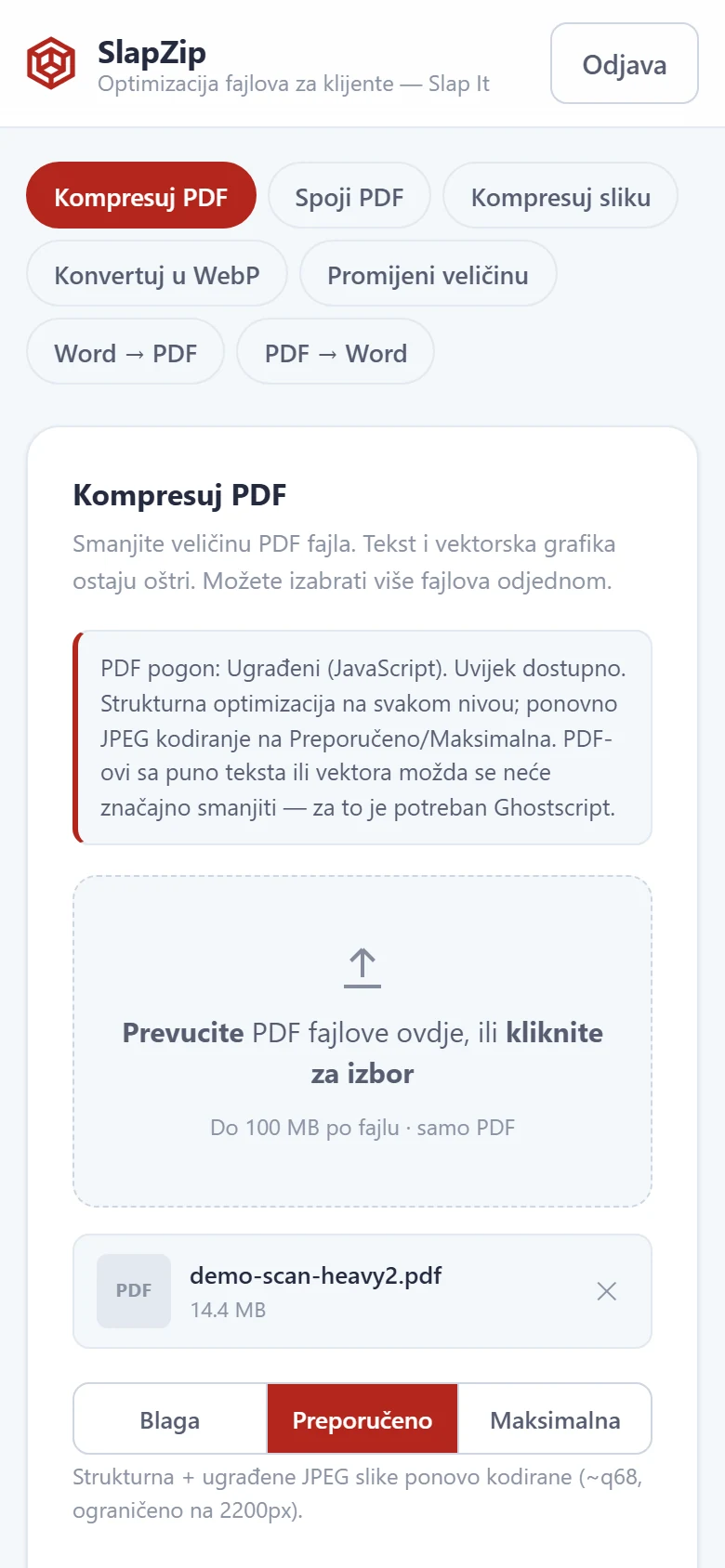
Same tools, fully responsive — no separate mobile app needed
No database, and no external dependency that would ever let a client's file leave the server — just a lean, well-understood Node.js stack.
Every request runs through an internal job queue with limits — at most 4 jobs running at once overall, of which at most 2 are PDF/Word jobs and at most 2 belong to any single client — so one large file can't slow the system down for everyone else.
The hosting environment has neither Ghostscript nor LibreOffice, so PDF compression and Word ↔ PDF conversion are written as swappable modules — a pure-JS engine always works, and a stronger engine would activate automatically if it ever became available on the server, with no code changes.
No database, no accounts, no processing history. Files are stored only temporarily, under random names, and are deleted immediately after download — with an additional automatic sweep every minute.
CSRF protection on every mutating request, real file-type verification by content (not just extension), Helmet security headers, and rate-limited login attempts per IP address.
Instead of client files ending up on random free online services, the SLAP IT team now has one branded, always-available tool for everyday image, PDF, and Word processing — designed with the same care for privacy and security as the solutions Slap IT builds for its clients.
Whether you need a file-processing tool, an internal system, or automation for everyday work, Slap IT designs and builds a solution shaped around how your team actually works.